Line Crossing Detection
Multiple Crossline Counting is a query that counts the number of objects crossing exactly two lines. The query uses the following parameters:
Prerequisites
- IRIS+ Professional is configured with at least one indexer.
- Query types and classifiers have been registered.
- At least one video has been added.
Setup
-
Select one or more videos from your workspace Click +Set up New Query.
-
Select Object line cross detection from the list of query types.
1. Query Name
Give your query a name to better identify it; a unique identifier is generated by default. A description can also be added (optional).
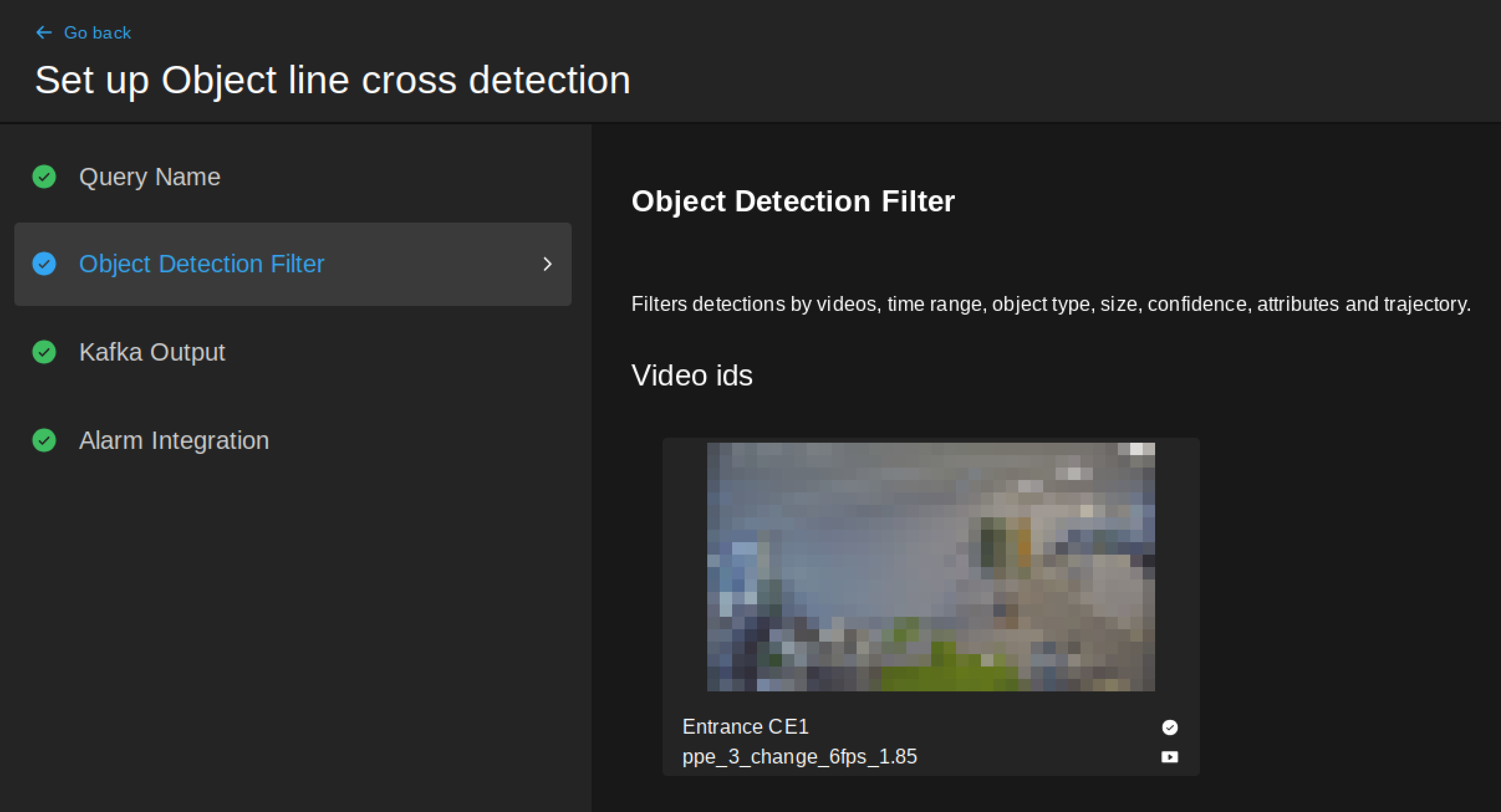
2. Object Detection Filter
Video ids
The thumbnail image of the previously chosen video is displayed here.
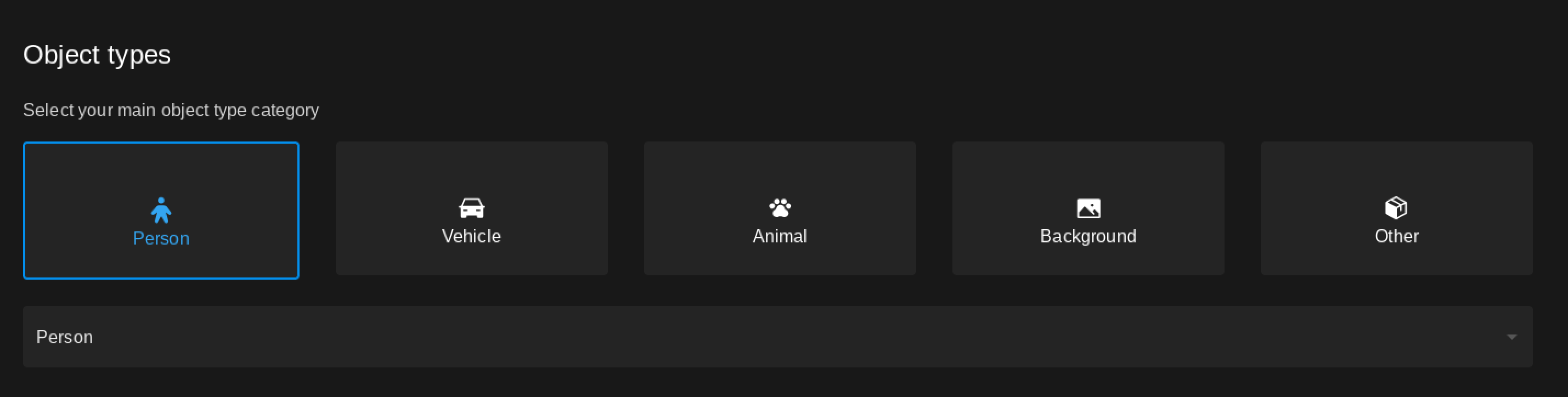
Object types
Select one or multiple object types you want to search for - Person is selected by default. Select a category, then click the dropdown menu to see the list of available object types for the selected object category.
Time interval
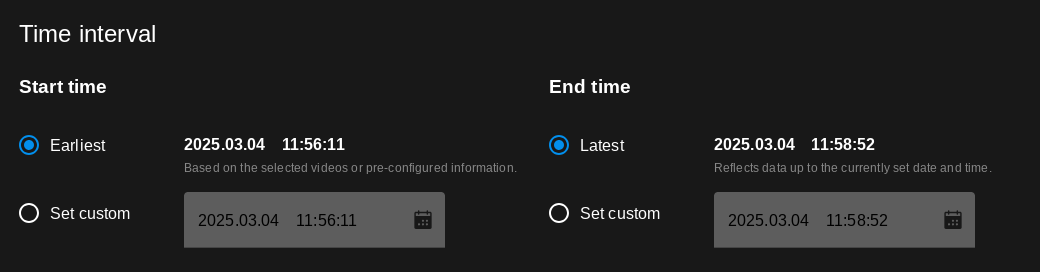
Select a time frame for the analytics to run, depending on the type of video selected above:
- Earliest: Run the query from the time shown (set during video registration as the beginning timestamp of the video).
- Latest: Run the query until the time shown (set during video registration as the end timestamp of the video).
- Given Date: You can select a custom start and end date and time to run the query on. Type the desired date and time or select them by clicking the calendar icon.
- Live: Analysis is run live, continously.
- Interval: You can select a custom start and end date and time to run the query on. Type the desired date and time or select them by clicking the calendar icon.
- Set interval to: Choose from the presets below to run the query on a given time inmterval.
Line cross attributes
The detector filters results to objects that cross both lines in directions set here.
Left-click on the camera thumbnail to begin drawing the line; left-click again to finish drawing. Select from the options below the canvas to select the facing direction.
-
More cross one firing (in milliseconds, 1000 by default): The minimum time between two objects crossing the line to trigger an alert.
-
Use bottom reference point: Choose either the center or the bottom of the bounding box as a reference point to determine whether the object is within the ROI.
3. Kafka Output
Sets the Kafka topic where the results will be sent - filled in by default.
4. Alarm Integration (optional)
The query can optionally be integrated with third-party systems, such as Milestone XProtect or a webhook to trigger alarms.
Currently, alarm integration with Milestone XProtect or Webhook is only available for live videos.
Webhook
The query can be configured to send detections to a Webhook URL.
- URL: The URL of the Webhook.
- Custom header key: The key of the custom header.
- Custom header value: The value of the custom header.